Interactive 3D editor
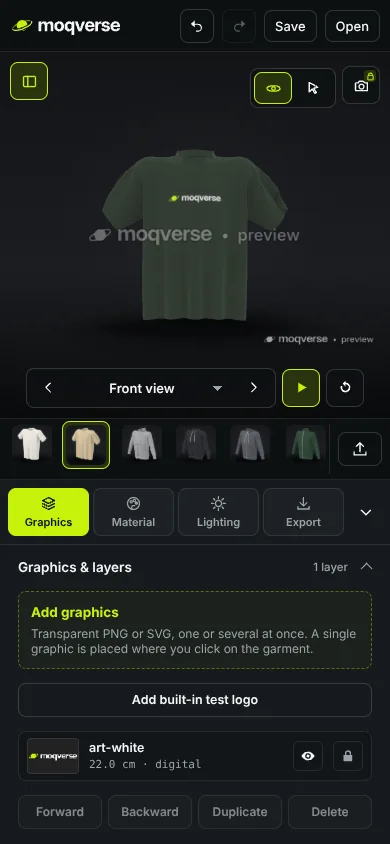
Rotate and zoom around the product. Jump to front, back, side or three-quarter views, or let it turn on the spot.
3D mockups in your browserFree Beta
Moqverse is a 3D mockup studio that runs right in your browser. Put your graphics on T-shirts, hoodies, sweaters, caps and cans, then set colours, materials and lighting and see the result in real-time 3D.
No account, no install. Exports arrive with Pro, which is coming soon.
Features
Everything you need to see a design on a real product: pick a model, place your artwork, and dial in the material and the light.
Rotate and zoom around the product. Jump to front, back, side or three-quarter views, or let it turn on the spot.
Add PNG, SVG, WebP or JPG artwork as layers. Drag, scale and rotate them right on the fabric, or use placement presets.
Choose any colour by picker or HEX, and fabric presets from standard cotton to heavyweight, washed, polyester and satin.
Lighting presets, light colour, backgrounds, floor and shadows. Neutral white studio light by default, one click to reset.
Bring your own garment as a GLB or glTF file. Moqverse checks it, handles Y-up and Z-up, and shows its real or estimated scale.
Save a project as one file, with your artwork inside if you like, and open it again later. Undo and redo as you work.
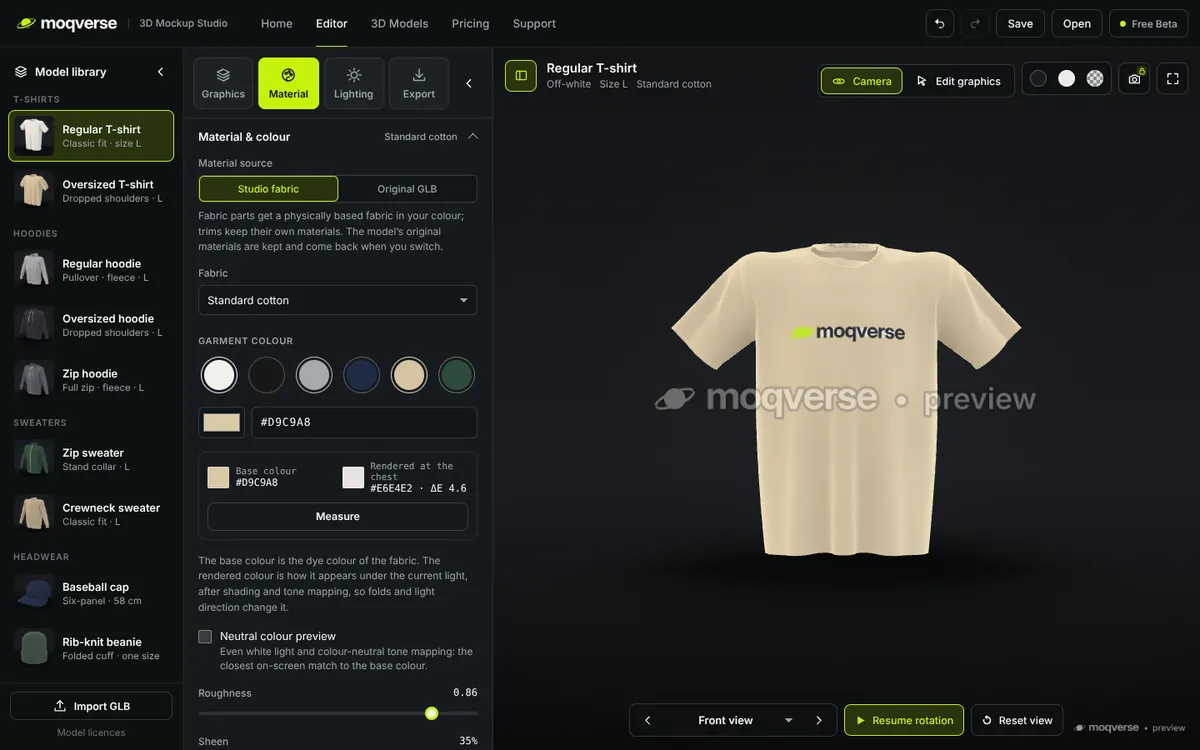
Material
Set the garment colour and pick a fabric. Roughness, sheen and knit detail change how the light falls on it, and your print sits in the fabric.
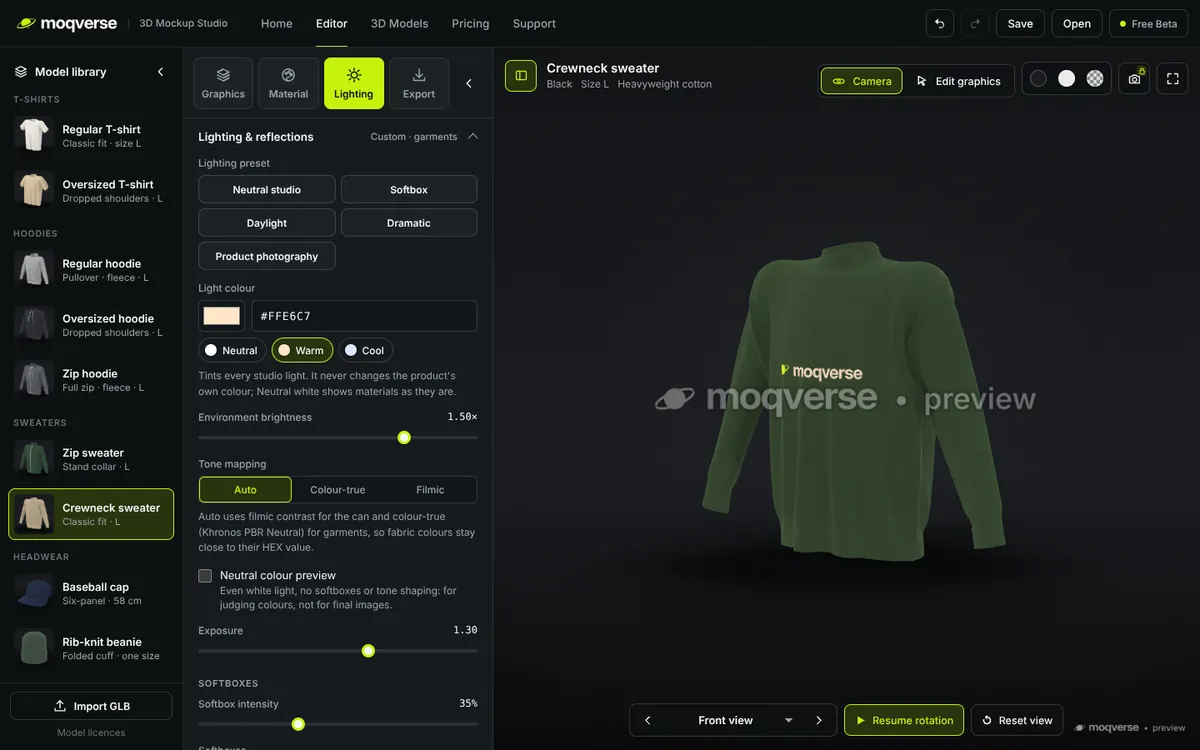
Lighting
Start from neutral white studio lighting, then try a preset, warm or cool the light, and change the background, floor and shadows.
Anywhere
The editor adapts to your screen: the 3D view on top, the model library as a strip and the editor below. A bigger screen is more comfortable for detailed work.
3D model library
Every model in the library is original to Moqverse and measured in real centimetres, so print sizes on screen match the product.
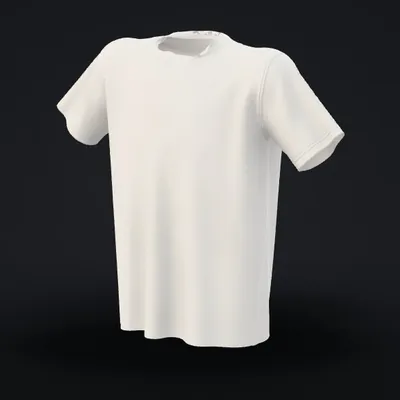
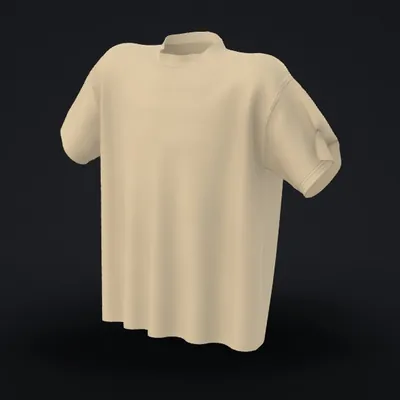
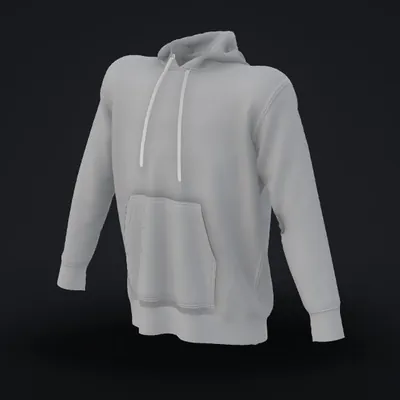
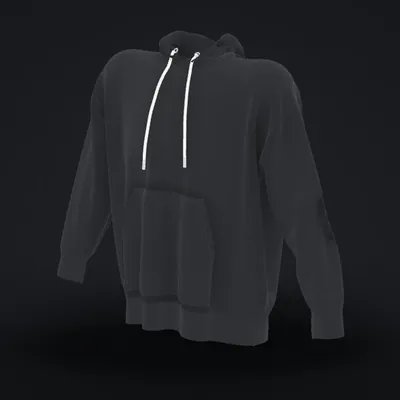
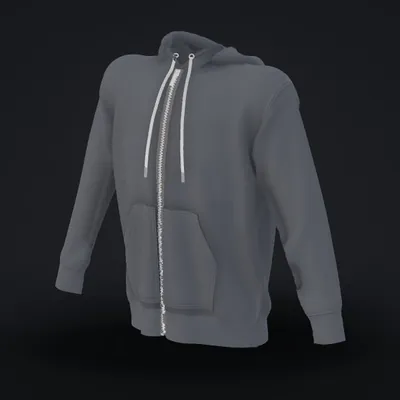
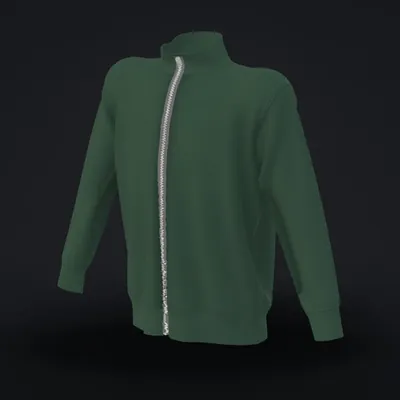
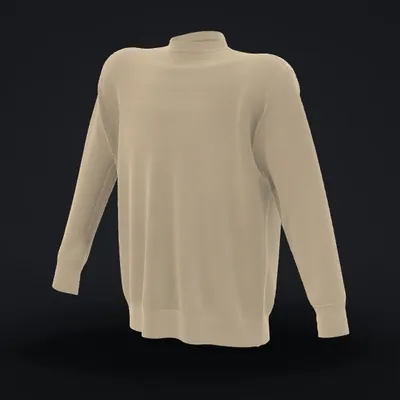
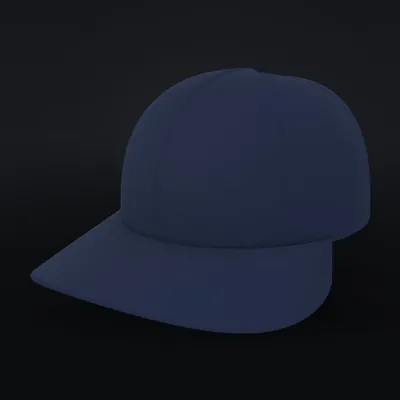
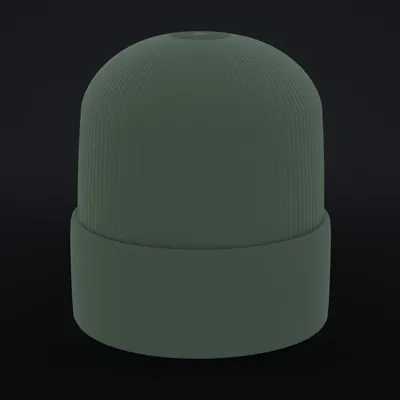
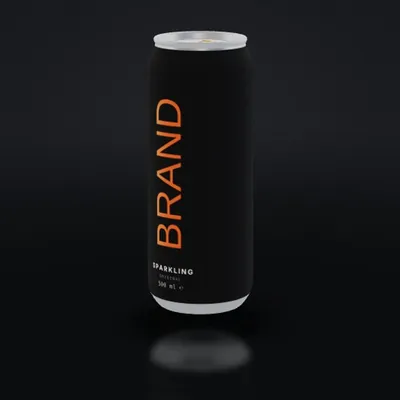
Front, back, chest and sleeve placementsReal-world scale in cmOr import your own GLB
How it works
Choose a garment or the can from the library, or import your own GLB.
Drop in your artwork and place it on the chest, back or sleeves, or anywhere on the fabric.
Colour, fabric, lighting and background, with every change visible in 3D.
PNG, 4K, GLB and an embeddable 3D viewer will come with Pro.
Pricing
Try the full editor today. Exports and a watermark-free preview will come with Pro.
Free Beta Available now
€0
The whole editor, free during the beta. No account needed.
Pro Coming soon
Soon
For finished mockups you can use in your shop, social posts and presentations.
Exports are not available in the free beta. Pro is not on sale yet, so there is nothing to buy, and Moqverse never asks for payment details. The price will be announced when Pro opens.
FAQ
Yes. During the Free Beta you can use the whole editor for free: the model library, your own graphics and models, colours, materials, lighting and project files. No account is needed.
Exports (PNG, 4K, GLB and the 3D viewer) and a watermark-free preview are part of Pro, which is coming soon. In the Free Beta the 3D preview always shows a small “moqverse • preview” watermark.
Pro is in preparation. The date and price have not been decided yet; we will announce them here. Nothing can be bought at the moment.
No. Moqverse runs entirely in your browser. Your artwork, models and projects stay on your device and are not sent to a server. Projects are saved as a file on your own computer.
Yes. Import a garment as a single .glb or .gltf file with embedded textures. Y-up and Z-up models both work. If the model does not state its units, Moqverse estimates the size and you can calibrate it with one real measurement.
PNG, SVG, WebP and JPG. Transparent PNG or SVG works best for logos: JPG has no transparency, so its background prints as a rectangle.
Moqverse needs a current browser with WebGL, such as Chrome, Edge, Firefox or Safari, on a computer, tablet or phone. During the beta it has been tested most in Chromium-based browsers, so please tell us if something looks wrong in yours.
The library models are original work made for Moqverse by Grooveneck (Moqverse).
Yes. You may use the mockups you create with Moqverse for personal and commercial purposes, including client work, under the Moqverse Model Library License. What you may not do is redistribute the 3D model files themselves, on their own or as part of a model collection, or copy the model library into another mockup service or product. Your own logos and graphics always remain yours. Note that exports are not available in the Free Beta yet.
Contact and feedback
Moqverse is in beta, and your feedback decides what comes next: bugs, ideas and models you would like to see.
Open the editor, pick a model and put your design on it. Free during the beta.
Launch Editor